
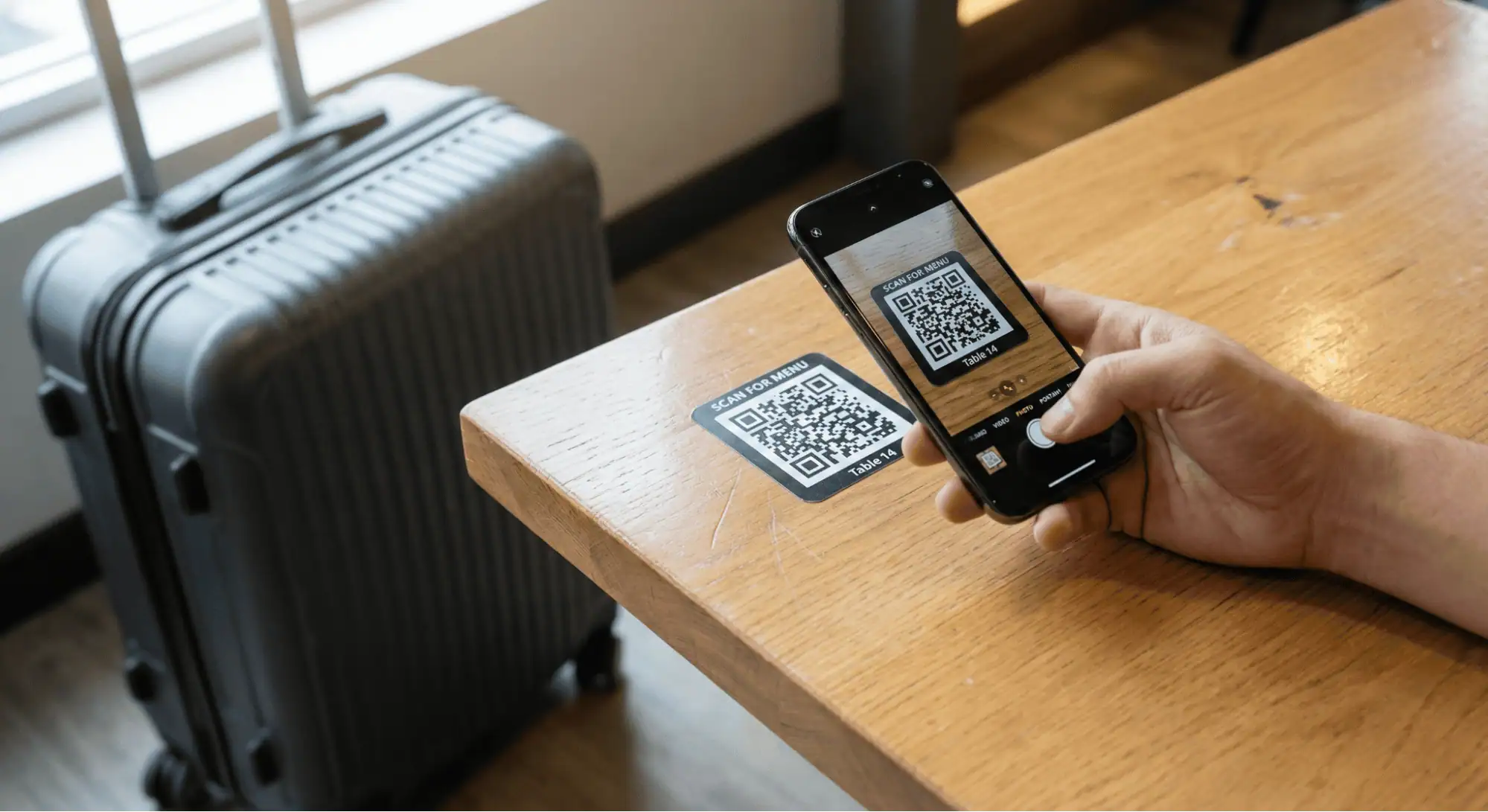

QR codes appear everywhere during travel. Restaurant tables, hotel check-ins, parking meters, tourist tickets. You scan without thinking because they promise convenience. That quick scan could expose your personal data, drain your bank account, or install malware. Travelers face higher risk because they're distracted, rushed, and operating in unfamiliar territory where verifying legitimacy becomes harder.
Key Takeaways
- Quishing attacks use malicious QR codes to steal credentials and install malware, with 26% of malicious links now delivered via QR codes.
- Travelers are prime targets because they're distracted, using public Wi-Fi, and scanning codes without verification at restaurants and parking meters.
- Criminals place fake QR code stickers over legitimate ones in high-traffic areas, redirecting payments or downloading malware.
- Only 39% of people can identify malicious QR codes compared to 69% who recognize bad URLs.
- Protect yourself by inspecting codes for tampering, previewing URLs before clicking, and verifying merchants before payment.
What Makes QR Codes Dangerous While Traveling
The QR code itself isn't the problem. The danger comes from scanning ones created with malicious intent. Criminals exploit a fundamental design flaw where QR codes hide their destination until after you scan them. You can't hover over a QR code like you would a suspicious email link. By the time you see where it's taking you, it might be too late. Research shows 69% of people spot malicious URLs, but only 39% identify dangerous QR codes. That awareness gap creates opportunity. The FBI warns about fraudulent codes on packages, parking meters, and public signs.
Between 2022 and 2023, scans increased 433%, reaching 27 million worldwide. Travel amplifies these risks. You're in airports, hotels, and restaurants scanning codes constantly while tired, carrying luggage, and navigating unfamiliar languages. A what is quishing how QR code scams work exploit this vulnerability when your guard drops.
How Criminals Target Travelers With QR Code Scams
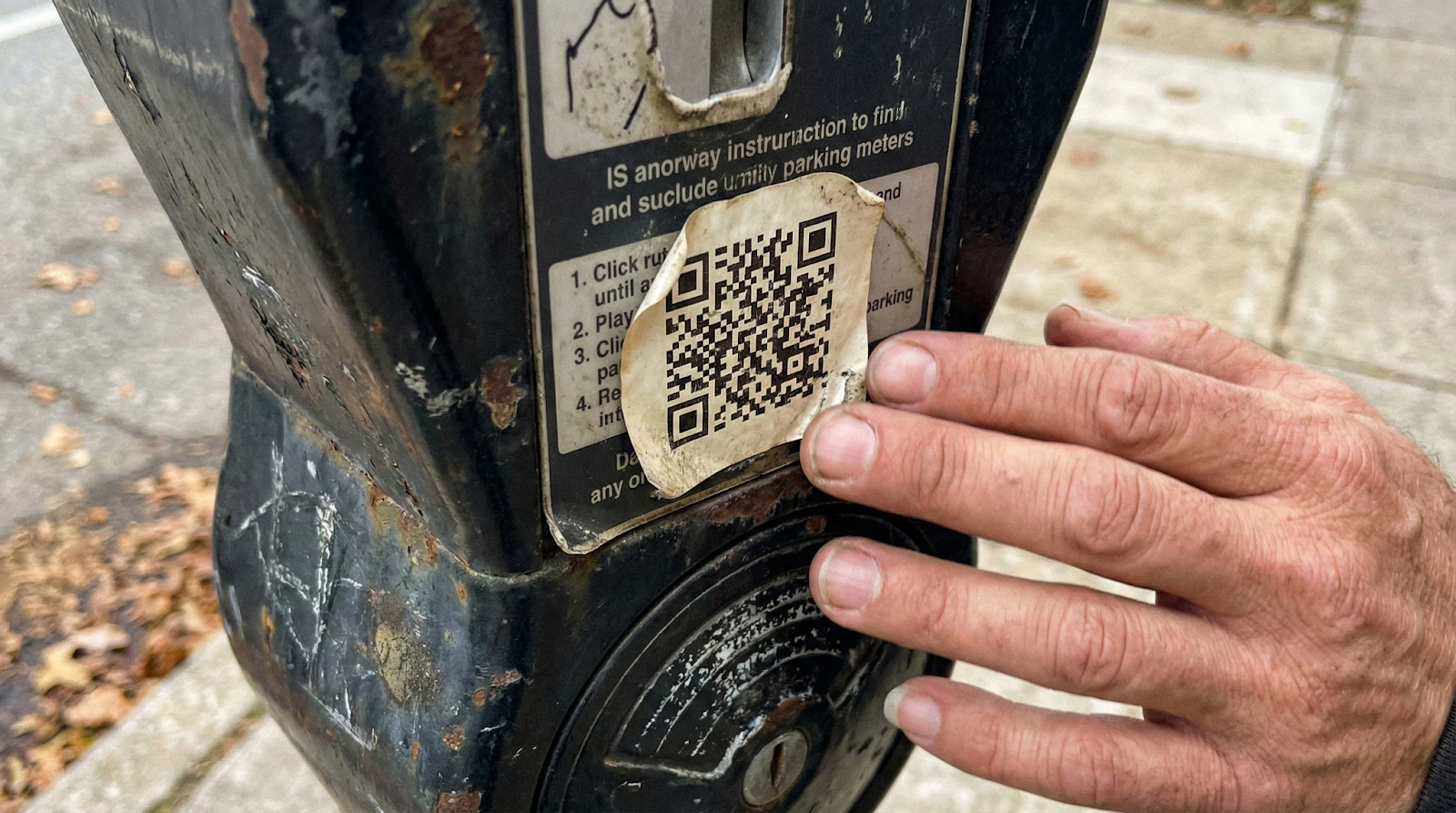
Attackers place counterfeit codes where travelers scan without questioning. Restaurants are prime targets. Criminals stick fake codes over legitimate table markers. You think you're viewing the menu, but you're entering credit card details on a phishing site designed to look identical to the real thing. Parking facilities present another opportunity. Scammers replace official codes with fraudulent ones that capture payment information or redirect funds.
Transportation hubs, tourist attractions, and hotel lobbies see similar attacks. The mechanics are straightforward: create a malicious code using free online tools, print on a sticker, place it over a legitimate code. When you scan, you land on a fake website that steals credentials or downloads malware. Understanding security and privacy risks of qr codes helps recognize these tactics.
Top 7 Cybersecurity Mistakes Employees Make Without Knowing
Warning Signs of Malicious QR Codes
Visual inspection provides first-line defense. Examine codes before scanning. Physical tampering leaves signs: peeling edges, bubbles under stickers, color mismatches, or alignment issues. If a code looks recently applied, verify with staff first. Context matters. Question codes in unexpected locations or lacking proper branding. Parking meter codes should match the meter's design. Restaurant codes should align with the establishment's presentation.
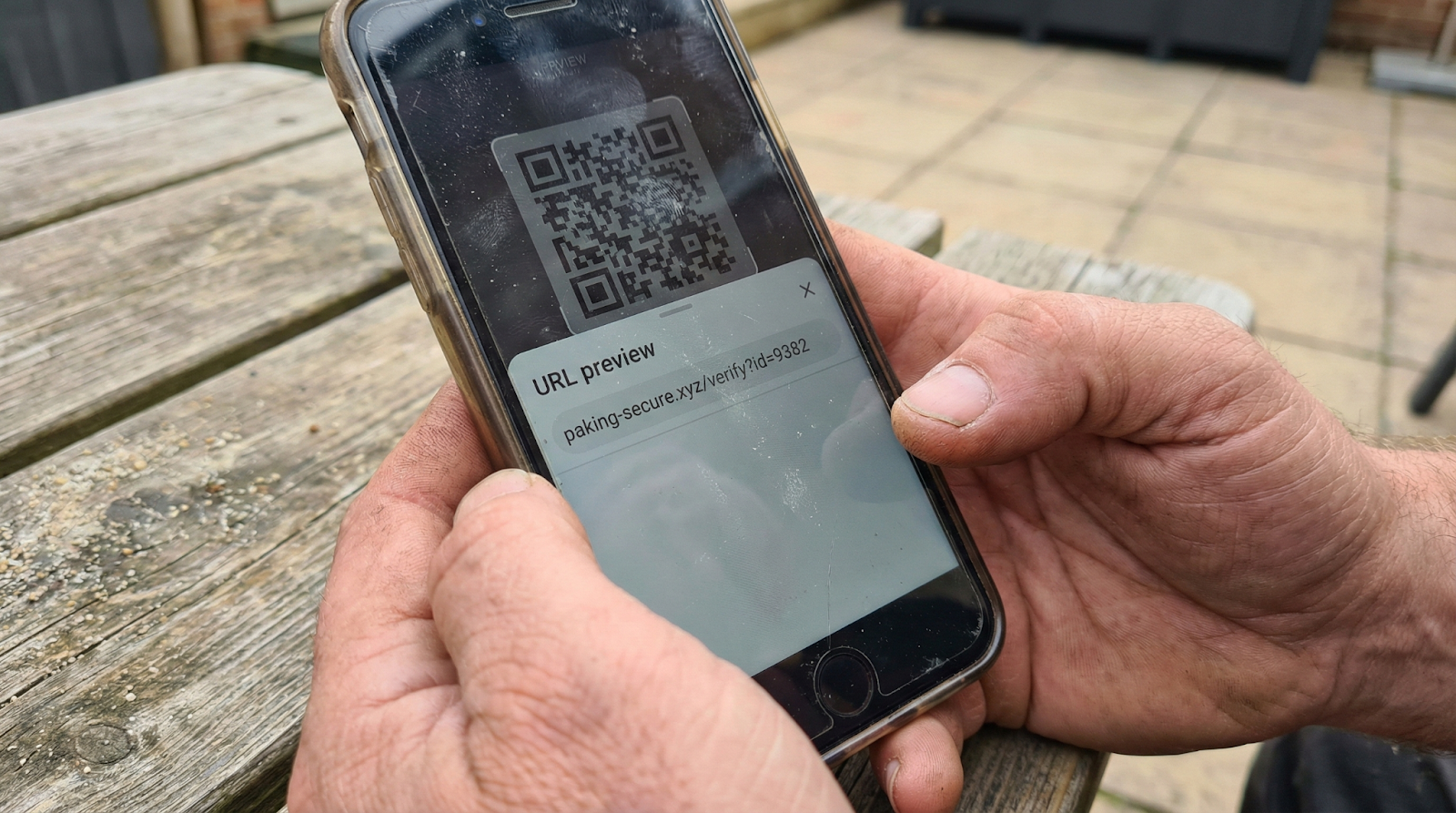
URL preview offers verification. Most smartphones display the destination after scanning but before opening. Look for misspellings, unusual domains, or random characters. Legitimate sites use clear domains matching the business name. Urgency signals manipulation. Messages claiming "scan immediately" deserve extra scrutiny. Checking QR code scam detection and safety tips helps you recognize manipulation.
What Happens When You Scan a Malicious Code
Consequences vary based on the attacker's goal. Credential theft ranks most common. The fake site prompts you to log in or verify your account. Every detail you enter goes to criminals who access your email, banking apps, or business systems. Malware installs silently, tracking keystrokes, monitoring location, or accessing photos and contacts. Financial fraud occurs through multiple methods. Direct payment theft redirects your bill to the criminal's account. Stored payment details get captured for later transactions.
Data collection extends beyond immediate theft. Malicious sites track your IP address, device type, and location. Your information enters databases that fuel future scams. The the importance of training to mitigate insider threats includes educating employees about mobile security risks during travel.
Building a Cyber-aware Culture Why Training Once a Year Isn't Enough
How to Protect Yourself From QR Code Scams
To mitigate the risks associated with scanning QR codes, follow these best practices:
- Never scan codes from unknown sources or unexpected emails without verification.
- Use your phone's built-in camera app rather than third-party readers, as they are updated less frequently and can expose you to other malware.
- Always inspect the destination URL before clicking through.
- Check for HTTPS encryption and proper domain names.
- If the URL uses a shortener or contains suspicious characters, close it immediately.
- Verify payment destinations before entering financial information (merchant name should match the business).
- Install mobile security software that detects and blocks malicious websites.
- Enable automatic updates for latest threat recognition.
- For businesses, implement comprehensive cybersecurity awareness training solutions.
- Enable multi-factor authentication on financial accounts.
- Configure your phone to require manual approval before opening scanned links.
- Report suspicious codes to authorities.
- Organizations can enhance protection through mobile cybersecurity training anytime anywhere programs.
- Protect your organization from QR code scams and other cyber threats with comprehensive cybersecurity awareness training that keeps your team informed and prepared.
Conclusion
QR codes offer convenience but create opportunities for criminals targeting travelers. Scanning can compromise financial accounts, install malware, or expose personal information. Staying informed about threats and maintaining skeptical scanning habits protects you. Take seconds to verify codes, preview URLs, and question unexpected requests. Those moments prevent months of recovery from fraud or identity theft.