

Black Friday isn’t just a big sale. It’s also a test of your attention. You may be comparing prices, checking gift lists, watching checkout timers, and trying to grab something before it sells out. Scammers know that rush, so your best move is simple: pause for a minute before you click buy.
Start with the pressure, not the price
Black Friday scams often work by making you feel hurried. The page may look exciting, the discount may look huge, and the timer may make you feel like you’re about to miss out. That pressure is the first thing to check, even before you look at the final price. Watch for these first two red flags:
- The deal is wildly cheaper than everywhere else. A new game console for half the normal sale price, designer shoes for the price of lunch, or a sold-out toy suddenly “in stock” on a site you have never heard of should make you pause.
- The page pushes you to act right now. Watch for countdown clocks, “cart reserved for 3 minutes,” “final warning,” or messages that say your order will be canceled unless you pay at once.
The rush matters because sale weekends are messy. You may be buying between errands, during a work break, or late at night after everyone else is asleep. Scammers are counting on that tired, busy moment when saving money feels urgent. Before you buy, open a new browser tab and search the product name plus the seller name.
Compare the price with two stores you already know. If the deal is much lower than every other price, treat it as unproven until you can confirm it. A real bargain can handle a two-minute pause. A scam often can’t.

Check the seller before you check out
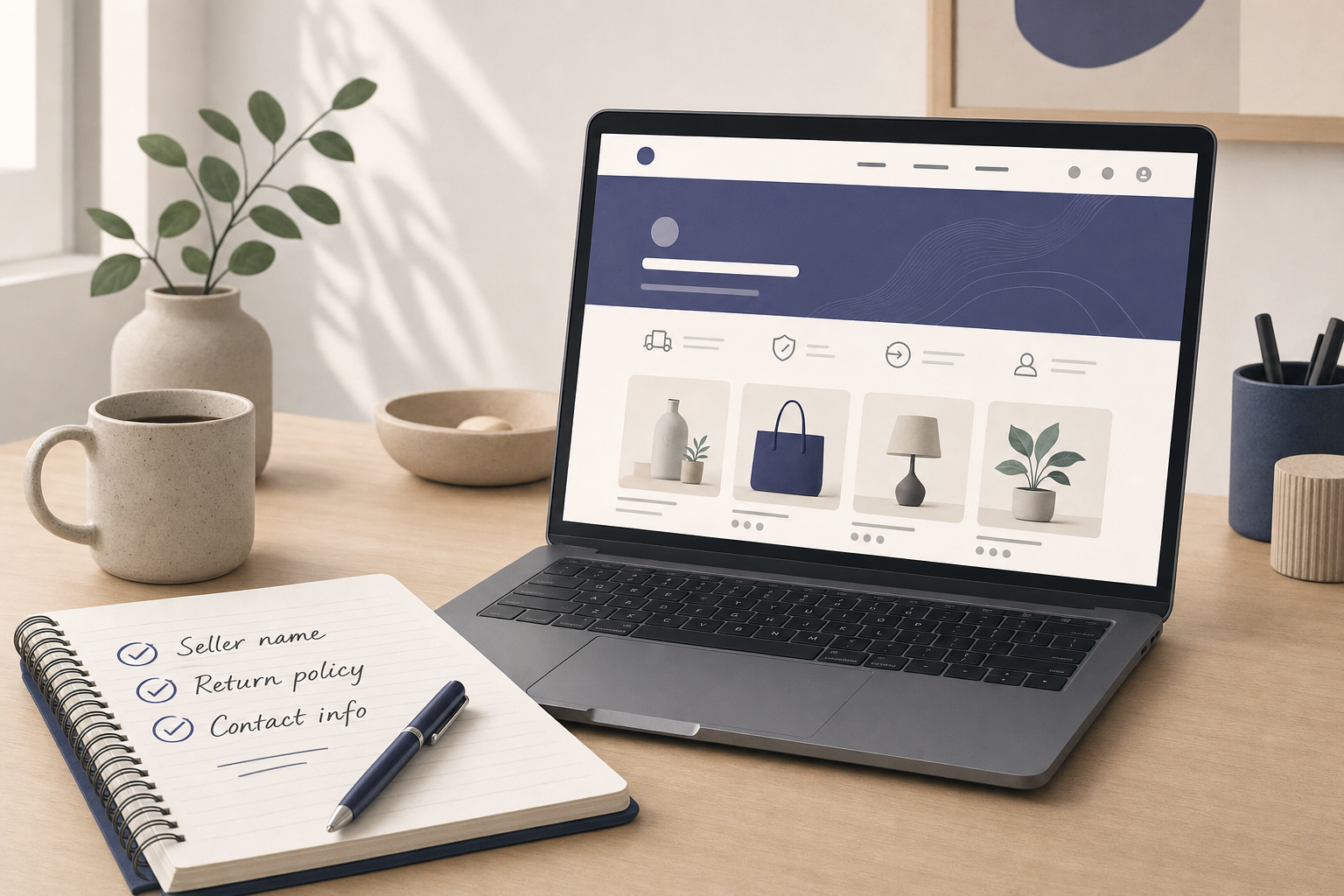
A fake store can look polished. It may have a clean logo, holiday colors, and product photos that look normal at first glance. But the seller details often give it away. Before you enter your card number, look at who is actually taking your money.
- The store name is unfamiliar, but it copies a known brand. For example, you search for “NorthPeak jackets Black Friday” and land on “NorthPeak-Outlet-Deals” instead of the real brand website. The page may use the same colors and photos, but the web address is slightly off.
- The contact and return details are missing or vague. A real store should make it easy to find shipping times, return rules, a business name, and a way to contact support. Be careful with sites that only show a contact form and no clear company details.
Try this before you enter card information:
- Search the store name plus “reviews,” “scam,” and “returns.”
- Click the return policy and shipping pages.
- Look for a real customer service email or phone number.
- Check whether the address, if listed, matches the business.
You don’t need to turn into a detective. You’re just checking whether the store acts like a real store. If basic details are hidden before it has your money, getting help later may be much harder. That’s a good reason to close the tab and buy somewhere else.
Look closely at the page, not just the product
Scam pages can look real from a distance. Up close, small details start to feel wrong. Maybe the web address is odd, the photos look copied, or the return policy mentions another store. Slow down and check the page itself, not just the item you want.
- The web address looks odd. Watch for extra words, misspellings, strange endings, or a brand name with added dashes. A fake link might look like “amaz0n-holiday-clearance” or “target-sale-shop” instead of the real site.
- The page has sloppy or mismatched details. You may see broken English, product photos that look copied, size charts that do not match the item, or policies that mention a different store name.
Also check the payment page before you type anything in. The lock icon and “https” in the web address mean the connection is encrypted, so other people should not be able to read what you send. That’s good, but it does not prove the seller is honest. A scam site can still have a lock icon.
Use a simple page check before buying:
- Read the web address from left to right.
- Click the logo and see where it takes you.
- Check whether the product title, photos, and description match.
- Copy one sentence from the product description and search it online. If the same odd wording appears on many unrelated sites, the page may be copied.
This check helps most with popular holiday items. Think gaming systems, trendy sneakers, robot vacuums, name-brand headphones, and toys everyone is trying to find. Scammers know shoppers will chase items that sell out fast. If the page feels off, trust that feeling and look for another seller.
Treat payment requests like a locked front door
Your payment method is part of your safety plan. Some payment types give you a way to dispute a charge if the order never arrives or the seller disappears. Others are closer to handing cash to a stranger. Be extra careful if the seller tries to move you away from normal checkout.
- The seller asks for gift cards, wire transfers, crypto, or payment through a friends-and-family option. A “support agent” may say your card failed and ask you to buy a gift card to complete the order. That is a major warning sign.
- The payment process moves away from the store in a strange way. Be careful if checkout sends you to a random person’s payment link, a chat app, or a form that asks for more personal information than needed.
Here’s a realistic example. You find a discounted smart TV through a social media ad, and the price looks great. At checkout, your card “doesn’t go through,” then a chat box says, “To keep the Black Friday price, pay with two $100 gift cards and send us the codes.” Stop right there, because gift card numbers are like cash once you share them.
Safer habits include:
- Use a credit card when you can.
- Avoid direct bank transfers to unknown sellers.
- Do not pay with gift cards for online purchases unless you are using them directly on a trusted retailer’s site.
- Do not share one-time passcodes with anyone who contacts you.
A real store should let you pay in a normal, protected way. If the seller makes the safe option hard and the risky option easy, don’t treat it like a checkout glitch. Treat it as a warning. Close the page and buy from a seller you can verify.
Watch your inbox and texts on sale weekend
Not every Black Friday scam starts on a shopping site. Many show up after you shop, when you’re already expecting receipts, tracking updates, and delivery notices. That timing makes them easier to believe. Keep an eye out for messages that push you to click fast.
- A text or email says there is a delivery problem and asks you to click a link. It may claim your package is held, your address is wrong, or you owe a small redelivery fee.
- A message says your account or order will be canceled unless you verify information. The link may ask for your password, card number, or a one-time security code.
Picture this: you bought gifts from three stores on Black Friday. On Saturday morning, you get a text that says, “USPS: Your package cannot be delivered. Pay $1.99 to reschedule.” You’re busy, the fee is small, and you really are waiting for packages. That’s exactly why the scam works.
Instead of clicking, go around the message:
- Open the store or delivery company website yourself.
- Use the tracking number from your real receipt.
- Log in through the official app or saved bookmark.
- Delete messages that demand fast action and personal details.
Be extra careful with messages that feel personal but stay vague. “Your item” or “your account” is not the same as a real order number from a receipt you recognize. If you’re not sure, don’t reply and don’t tap the link. Go straight to the store, shipping company, or app yourself.
If you clicked or paid, move fast without blaming yourself
If you think you clicked a scam link or paid a fake seller, take a breath. This happens to careful people, especially during busy sale weekends. Blaming yourself will not fix it, but quick action can help. Start with what happened and take the next step.
If you clicked a link but did not enter information:
- Close the page.
- Do not download anything it offers.
- Run a security scan if you have security software.
- Watch for follow-up texts or emails.
If you entered a password:
- Change that password right away on the real website.
- Change it anywhere else you reused it.
- Turn on two-step verification if the account offers it. This adds a second check, like a code, before someone can log in.
If you paid or shared card details:
- Contact your bank or card issuer using the number on the back of your card.
- Explain that you may have paid a fraudulent seller.
- Ask about freezing the card, replacing it, or disputing the charge.
- Save emails, receipts, screenshots, web addresses, tracking numbers, and message threads.
If you shared gift card codes, contact the gift card company right away. You may not be able to get the money back, but fast reporting gives you the best chance. Keep the card, receipt, screenshots, and any messages from the scammer. Those details may help the company or your bank review what happened.
You can also report the scam to the marketplace, social platform, delivery company, or retailer being copied. That helps remove fake pages and protects the next shopper. Scam awareness is not about shopping scared. It’s about making a small habit for your household: pause, check, and ask for a second look when something feels off.
What would change if every “limited-time deal” had to pass your two-minute safety check first?
Before you shop, save this list and share it with someone who plans to buy gifts during Black Friday.